The Ultimate 2026 PDF Translation Tools Review: Which One Truly Keeps Your Formatting Intact?

Welcome to 2026. The global multimodal generative AI market has officially surpassed the $12 billion milestone, and enterprise-grade AI application adoption has skyrocketed from 15% in 2024 to an impressive 60%. As AI integrates deeply into our daily workflows, expectations for productivity tools have reached an all-time high. Yet, for global businesses, researchers, and legal professionals, one notoriously frustrating challenge remains: translating a PDF document without completely destroying its original layout.
We've all been there. You run a beautifully designed financial report, an intricate engineering diagram, or a densely formatted legal contract through a conventional translator, only to get back a messy, unreadable jumble of overlapping text boxes and misplaced charts. You end up spending triple the time manually reformatting the document. If you are exhausted by this redundant formatting work, it is time to upgrade to a zero-reformatting AI-powered PDF translator that actually respects your document's design.
To help you choose the right solution, we conducted an in-depth review of the top PDF translation tools available in 2026. We evaluated them across four critical dimensions: Format Retention, Translation Accuracy, Ease of Use, and Data Security.
Evaluation Criteria: How We Scored the Top Tools
- Format Retention (Core Weight): Does the translated file look completely identical to the source? Do tables, multi-column layouts, and complex charts stay perfectly in place?
- Translation Accuracy: How well does the AI handle industry-specific terminologies, nuance, and contextual understanding?
- Ease of Use: Is it a seamless, browser-based experience, or does it require bulky software installations?
- Data Security: Are files encrypted and safely deleted after processing to meet business compliance standards?
Top 4 PDF Translation Tools: In-Depth Review
1. Reflo: The Undisputed King of Format Preservation
Overall Rating: ★★★★★
Format Retention Rating: ★★★★★
When it comes to the holy grail of PDF translation—keeping the format 100% unchanged—Reflo stands in a league of its own. Built specifically to tackle the painful issue of layout distortion, Reflo utilizes advanced AI layout recognition technology to map the structural blueprint of your document before applying translated text.
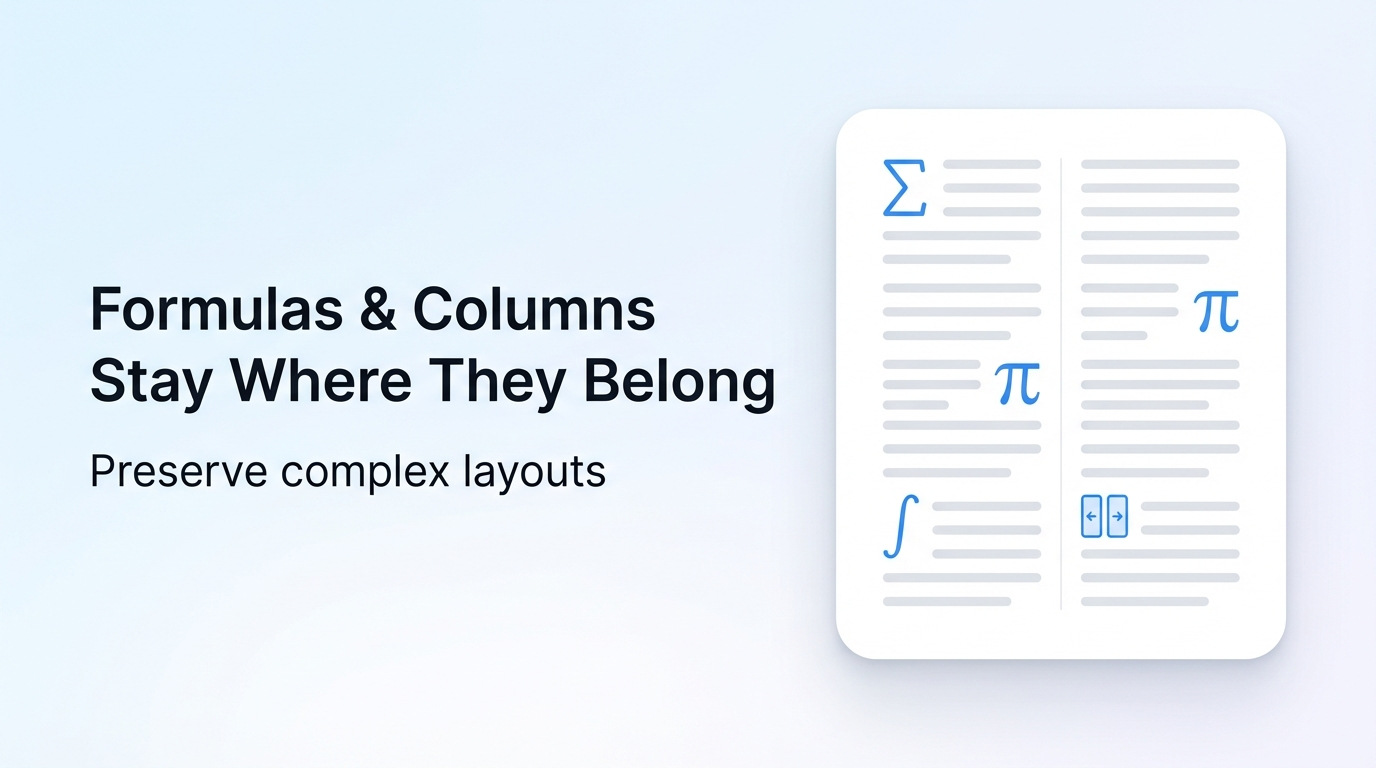
Whether you are dealing with complex academic papers filled with mathematical formulas, multi-column business brochures, or CAD engineering drawing manuals, Reflo perfectly handles them all. The translated PDF requires absolutely zero secondary typesetting. Furthermore, as a web-based online tool, you don't need to download anything—just upload, translate, and securely download. On the security front, Reflo ensures your sensitive data is safe, automatically deleting your source files immediately post-translation.
2. Adobe Acrobat Built-in AI Translation
Overall Rating: ★★★★☆
Format Retention Rating: ★★★★☆
Long known as the pioneer of the PDF format, Adobe has made significant strides this year. Recently, Adobe upgraded Acrobat's built-in PDF translation feature by integrating the Adobe Express AI-driven engine. This 2026 update supports full-document, specific-page, or designated-snippet translation, and brilliantly allows users to customize the output text tone (formal or informal) to suit different business scenarios.
While Adobe Acrobat ensures solid visual fidelity for standard text documents, we found that highly complex, multi-layered documents—specifically those heavily featuring overlaid graphics and dense data tables—still experience occasional text-overflow, requiring manual intervention in Acrobat's edit mode.
3. DeepL Pro Document Translator
Overall Rating: ★★★★☆
Format Retention Rating: ★★★☆☆
DeepL remains a powerhouse in language translation, celebrated for its incredibly natural-sounding output. Their document translation feature seamlessly handles Word and PowerPoint files with high language accuracy.
However, when strictly evaluating PDF translation, DeepL Pro shows its limitations. The tool primarily extracts text, translates it, and attempts to rebuild the file. Consequently, users frequently report misaligned margins, shattered multi-column formats, and corrupted table cell dimensions. If linguistic nuance is your only concern and you don't mind spending an hour fixing the layout, DeepL thrives; but for "translate-and-use" efficiency, it falls short.
4. Google Translate (Web PDF feature)
Overall Rating: ★★★☆☆
Format Retention Rating: ★★☆☆☆
Google Translate is the most accessible, free tool on the market. It processes files quickly and supports an unparalleled number of global languages.
Unfortunately, you get what you pay for when it comes to layout preservation. Translating a PDF via Google's web interface often flattens the document entirely or outputs a chaotic layout where background images vanish and text overlaps unreadably. It is suitable for a quick, rough deciphering of a foreign menu or a simple text sheet, but it should be entirely avoided for professional, client-facing PDF documents.
Why Format Retention is the Ultimate Dealbreaker
In today's fast-paced corporate environment, the bottleneck is rarely the translation process itself—it's the post-translation formatting. If a legal team spends 90% of their time realigning text boxes in a translated contract to match the original, the translation tool has failed its primary purpose: saving time.
This is why tools specializing in structural integrity are dominating the 2026 landscape. By leveraging a specialized tool like Reflo, professionals are fully eliminating the need for desktop publishing (DTP) software and graphic designers just to read a localized document. You simply get your original document back, in your native language, looking exactly as professional as the source file.
Conclusion: The Best Tool for Your Workflow
If you need quick tonal adjustments and are already deeply embedded in Adobe's ecosystem, the newly updated Acrobat AI is a fantastic addition to your toolkit. If you prioritize raw, paragraph-level linguistic flow over visual layout, DeepL Pro remains a strong contender.
However, if your absolute priority is saying goodbye to broken layouts forever, the verdict is clear. For anyone handling complex documents—such as research papers, financial audits, or technical manuals—Reflo is the standout winner. It combines top-tier AI language accuracy with a zero-compromise approach to document formatting, and wraps it in a secure, no-download online interface.
Ready to experience true "translate-and-use" efficiency? Stop wasting your valuable hours on manual formatting adjustments and try Reflo for free today. Transform the way you handle global PDF documents.