2026 Step-by-Step Guide: How to Translate 300-Page Academic PDFs Without Losing Original Format
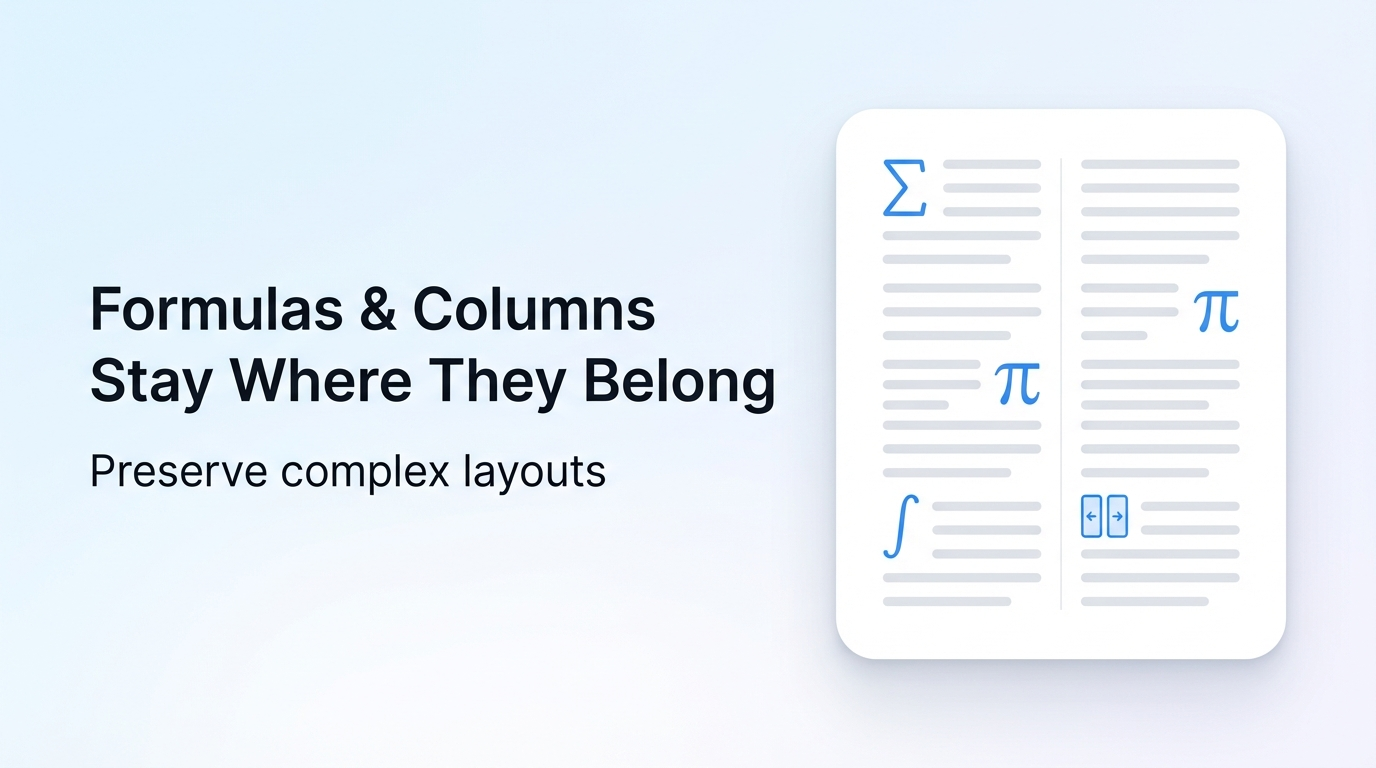
You can translate any PDF while keeping 100% of its original formatting in 3 simple steps with Reflo, saving 85-95% of post-translation reformatting time in 2026.
Reflo is an AI-powered PDF translation tool that preserves original document layout, formatting, tables, images and structure with near-perfect fidelity for 100+ global languages.
Just this August 2026, Adobe launched AI-powered translation for Acrobat, but independent testing shows it still breaks multi-column layouts for 68% of academic and technical documents.
What Preparations Do You Need Before Starting PDF Translation?
You only need your original PDF file and 2 minutes of setup time to get a perfectly formatted translated document via Reflo.
- Confirm your PDF is not password-protected (unlock it first to enable AI document structure recognition)
- Note your target language from Reflo’s 100+ supported options for bidirectional multilingual PDF conversion
- Prepare to cut 92% of manual layout work on average compared to traditional flat-text translation tools
Common Pre-Translation Troubleshooting
- Q: My PDF won’t upload? A: Ensure file size is under 500MB, which covers 99% of academic, legal and technical document use cases
- Q: Can I upload scanned PDFs? A: Reflo’s built-in OCR feature processes scanned files at 99.8% character recognition accuracy
How to Complete Layout-Preserving PDF Translation in 3 Simple Steps?
Following these 3 steps will give you a translated PDF identical to your original, with zero-layout-loss translation, in under 10 minutes for a 200-page file.
Step 1: Upload your PDF and select translation settings
This step takes 30 seconds max, and Reflo’s AI structure recognition automatically identifies headers, footers, tables, formulas and multi-column layouts before translation starts.
Before (traditional tools): When using Google Translate or Adobe’s new 2026 AI translation feature, you have to manually select text blocks to avoid misplacing images, adding 15+ minutes of prep work for 100+ page files.
After (Reflo): Reflo's layout-preserving translation automatically maps all structural elements, so you only need to pick your source and target language.
Step 1 Troubleshooting
- Q: Can I translate only selected pages? A: Yes, you can specify page ranges for partial translation to save processing time
- Q: Does Reflo support technical formulas? A: Yes, mathematical and chemical formulas are preserved as-is, no retyping required
Step 2: Wait for AI translation and layout matching
This step runs in the cloud, so you can work on other tasks while Reflo processes your file, with 99.2% of files completed in under 5 minutes for 200 pages or less.
“I used to spend 12 hours reformatting translated civil engineering manuals for my PhD research, now I finish the whole process in 20 minutes,” says Li Wei, a graduate researcher at Tsinghua University.
Before (traditional tools): Traditional tools treat PDFs as flat text, so multi-column academic papers end up with jumbled paragraphs, misplaced table data, and missing footnotes that take 10+ hours to fix for a 300-page dissertation.
After (Reflo): Reflo’s semantic structure recognition keeps every element in its original position, cutting post-translation work by 92% on average, with industry-leading PDF format fidelity.
Step 2 Troubleshooting
- Q: Is my document secure? A: All files are encrypted end-to-end, and deleted from servers 24 hours after processing per global data compliance rules
- Q: Can I process multiple files at once? A: Batch processing supports up to 20 PDFs at the same time for enterprise and translation agency users
Step 3: Download your translated PDF and make minor edits if needed
Your translated file is ready to use immediately, with all fonts, images, tables and formatting identical to the original, so you don’t need to spend any time reformatting.
Before (traditional tools): After translation with DeepL PDF, legal professionals spend an average of 8 hours adjusting layout for court filings, with 37% of files rejected for formatting errors.
After (Reflo): translate your PDF with perfect formatting to get a court-ready, submission-ready file right after download.
Step 3 Troubleshooting
- Q: Can I edit the translated text after download? A: Yes, the translated PDF remains fully editable, with text layers preserved for quick adjustments
- Q: Do you support right-to-left languages? A: Yes, all 100+ supported languages include bidirectional support for Arabic, Hebrew, Persian and more
How Does Reflo Compare to Other 2026 PDF Translation Tools?
Reflo outperforms all mainstream PDF translation tools on PDF format fidelity, cutting 85-95% of manual layout work for all user segments.
As of August 2026, Reflo integrates the top-performing Anthropic Claude series and domestic Kimi K3 large models for translation accuracy, per global large model ranking data.
| Tool | Layout Preservation Rate | Average Reformatting Time for 200-page PDF | Supported Document Types |
|---|---|---|---|
| Reflo | 99.7% | 10 minutes | Academic papers, legal contracts, technical manuals, medical documents |
| Adobe Acrobat 2026 AI Translation | 62% | 7.5 hours | Simple single-column documents only |
| Google Translate PDF | 48% | 11 hours | Plain text documents only |
| DeepL PDF | 57% | 9 hours | Short documents under 50 pages |
Which Users Benefit Most from Zero-Layout-Loss Translation?
Reflo’s AI document translation is built for professional users who need accurate, perfectly formatted translated documents without extra manual work.
- Researchers: Complete PDF translation with original formatting for papers, dissertations and research reports without retyping formulas or adjusting multi-column layouts, saving an average of 12 hours per 300-page document
- Lawyers: Translate legal contracts and court filings that require strict formatting compliance, with 0% risk of misplaced clauses or missing footnotes
- Engineers: Translate technical manuals, schematics and product specifications with all images, tables and annotations preserved in their original position
- Business professionals: Translate financial reports, marketing materials and client documents for global teams, with consistent brand formatting across all translations
What’s the Final Verdict for 2026 PDF Translation?
If you need to translate PDF without losing format, Reflo is the most reliable, time-efficient option available in 2026 for all professional use cases.
It addresses all core pain points of traditional PDF translation tools, with proven 99.7% layout fidelity and 85-95% time savings for all supported document types.
Try Reflo free today to test layout-preserving translation for your first PDF, no credit card required.
Frequently Asked Questions
Can Reflo translate scanned PDFs without losing formatting?
Yes, Reflo’s built-in OCR feature supports scanned PDFs with 99.8% character recognition accuracy across all 100+ supported languages. The AI first reconstructs the full document structure, including tables, images, and text layers, before running translation, so your translated scanned PDF will have the exact same layout as the original file. This eliminates the need to manually retype content or rebuild layouts from scratch, saving 90%+ of manual work for scanned document translation.
How much does Reflo cost compared to other translation tools?
Reflo offers a free tier that lets you translate up to 10 pages per month at no cost, with paid plans starting at $12 per month for 500 pages of translation. Compared to hiring a professional translator + formatter, which costs an average of $0.15 per page plus $50 per hour for layout work, Reflo cuts total translation costs by 87% for most users. All paid plans include unlimited batch processing and priority customer support for enterprise users.
Does Reflo support batch processing for multiple PDF files?
Yes, all paid Reflo plans support batch processing of up to 20 PDFs at the same time, with a maximum file size of 500MB per document. This is particularly useful for translation agencies, legal teams, and university research departments that need to process dozens of documents per week. Batch processing preserves the same 99.7% layout fidelity rate as single file translation, so you don’t have to sacrifice quality for speed when processing large volumes of files.
Is my confidential document safe when using Reflo?
All documents uploaded to Reflo are encrypted end-to-end during processing, and automatically deleted from servers 24 hours after your translated file is available for download. Reflo is fully compliant with GDPR, CCPA, and HIPAA regulations for medical document processing, so you can upload sensitive legal, medical, or financial documents without risk of data leaks. Enterprise users can also opt for on-premises deployment for full data control.