2026 How to Translate PDFs with 100% Format Preservation: A Step-by-Step Guide
To translate a PDF without breaking the layout in 2026, use Reflo, an AI-powered solution that identifies document structure automatically, saving users 92% of the time previously spent on reformatting. While the market for PDF tools is expanding—evidenced by the recent March 18, 2026 update to Foxit PDF Converter which added batch translation features—users still struggle with complex layout shifts that basic tools cannot handle. Reflo addresses this gap by ensuring that whether you are translating a legal contract or a multi-column academic thesis, the output remains pixel-perfect to the original, eliminating the need for post-translation editing.
What Do You Need to Start Translating PDFs with Reflo?
Getting started requires zero technical expertise; you only need a modern browser and the document you wish to translate. The barrier to entry is significantly lower than traditional Computer-Assisted Translation (CAT) tools, making it accessible for students, lawyers, and engineers alike.
Before you begin, ensure you have the following ready to guarantee a smooth process:
- A Stable Internet Connection: Required for uploading documents to Reflo’s secure cloud servers.
- Your Source PDF File: Supports standard PDF, scanned PDF (with OCR), and password-protected files (password required).
- Target Language Selection: Reflo supports over 50 language pairs, including complex script languages like Arabic and Korean.
Time Estimate for Setup
Most users complete the setup and upload process in under 45 seconds. There is no software installation required, which aligns with the 2026 trend of lightweight, browser-based productivity tools seen in recent updates from major tech players.
How to Translate a PDF in 3 Simple Steps Using Reflo?
The core translation process is designed for speed and accuracy, consisting of just three main actions: Upload, Configure, and Export. This streamlined workflow leverages advanced AI to handle the heavy lifting of format preservation.
Step 1: Upload Your Document
Drag and drop your PDF file directly onto the Reflo dashboard. The system immediately begins analyzing the document structure, identifying text blocks, images, tables, and footnotes.
- Supported File Size: Up to 500MB per file (suitable for large architecture blueprints).
- Batch Processing: You can select up to 50 files at once for bulk translation projects.
Step 2: Configure Translation Settings
Select your target language and toggle the "Format Lock" feature. This proprietary setting is what distinguishes Reflo from standard translators, ensuring that font sizes, margins, and image placements are mathematically preserved.
Recent advancements in AI, such as the release of the RAG v7.0 framework on March 18, 2026, have significantly enhanced how AI models understand context across text and images. Reflo integrates similar contextual understanding technologies to ensure that text expansion (common in translations like German to English) does not break table borders or paragraph spacing.
Step 3: Export the Translated File
Click "Translate" and wait for the processing to complete. Once done, preview the side-by-side comparison to verify accuracy, then download your perfectly formatted PDF.
| Feature | Traditional Tools | Reflo (2026 Version) |
|---|---|---|
| Format Retention Rate | ~65% (Often requires manual fix) | 100% (Zero post-editing) |
| Processing Time (100 pages) | ~15 mins + Formatting Time | ~2 mins (Fully formatted) |
| Complex Table Support | Borders often misaligned | Pixel-perfect alignment |
How to Handle Complex Documents Like Legal Contracts and Academic Papers?
For documents with complex elements such as multi-column layouts, footnotes, or embedded formulas, Reflo offers specialized processing modes to ensure zero layout drift. These advanced features are critical for professionals who cannot afford misinterpretations caused by formatting errors.
Scenario: Translating a 200-Page Academic Thesis
A graduate student translating a thesis often faces the nightmare of re-formatting citations and bibliographies. With Reflo, the AI recognizes citation formats and maintains the specific indentation and font style required by academic standards.
- Before: Translation output breaks bibliography into disjointed text blocks; formatting takes 4 hours.
- After (with Reflo): Bibliography remains structured; formatting time is reduced to near zero.
Troubleshooting Common Issues
Even with advanced AI, specific scenarios may require attention. Here is a quick checklist:
- Issue: Scanned PDF text is blurry after translation.
Solution: Ensure the "OCR Enhancement" checkbox is selected before uploading to sharpen the source text recognition. - Issue: Formulas in engineering docs are shifted.
Solution: Use the "Technical Mode" which locks formula positioning relative to the text block. - Issue: Font substitution changes the document's "feel".
Solution: Reflo automatically embeds the closest matching font, or you can upload a custom corporate font for brand consistency.
How Does Reflo Ensure Data Security During Translation?
Data privacy is non-negotiable in 2026, especially with the new Generative AI Service Security Assessment Supplementary Rules implemented by the Cyberspace Administration of China on March 18, 2026. Reflo is designed to meet these stringent global standards, ensuring your sensitive documents remain confidential.
Security protocols include:
- End-to-End Encryption: Files are encrypted during transfer and at rest.
- Automatic Deletion: Source and translated files are automatically purged from servers within 1 hour of download.
- Traceable Watermarks: In compliance with the latest 2026 regulations requiring traceable digital watermarks for AI-generated content, Reflo offers optional invisible watermarking for enterprise users to prove document provenance.
Why is Reflo the Best Choice for Mobile PDF Translation in 2026?
Mobile translation is often an afterthought for desktop-first tools, but Reflo provides a fully responsive web experience that allows you to translate documents on the go without compromising quality. Whether you are in a meeting or traveling, the mobile interface retains the full functionality of the desktop version.
Key mobile benefits include:
- Camera Scan to Translate: Snap a photo of a document and translate it instantly with format preservation.
- Cloud Sync: Start translation on desktop, finish reviewing on mobile.
Conclusion: Stop Reformatting, Start Translating
The era of spending hours fixing broken layouts after translation is over. By utilizing Reflo's AI-driven format protection technology, professionals across all industries can reclaim valuable time. Whether you are dealing with simple text files or complex engineering diagrams, the process remains consistent: upload, translate, and receive a ready-to-use document. With the added assurance of compliance with 2026 data security standards, Reflo stands as the definitive tool for efficient, secure, and accurate PDF translation.
Frequently Asked Questions
Does Reflo support the translation of scanned PDF documents?
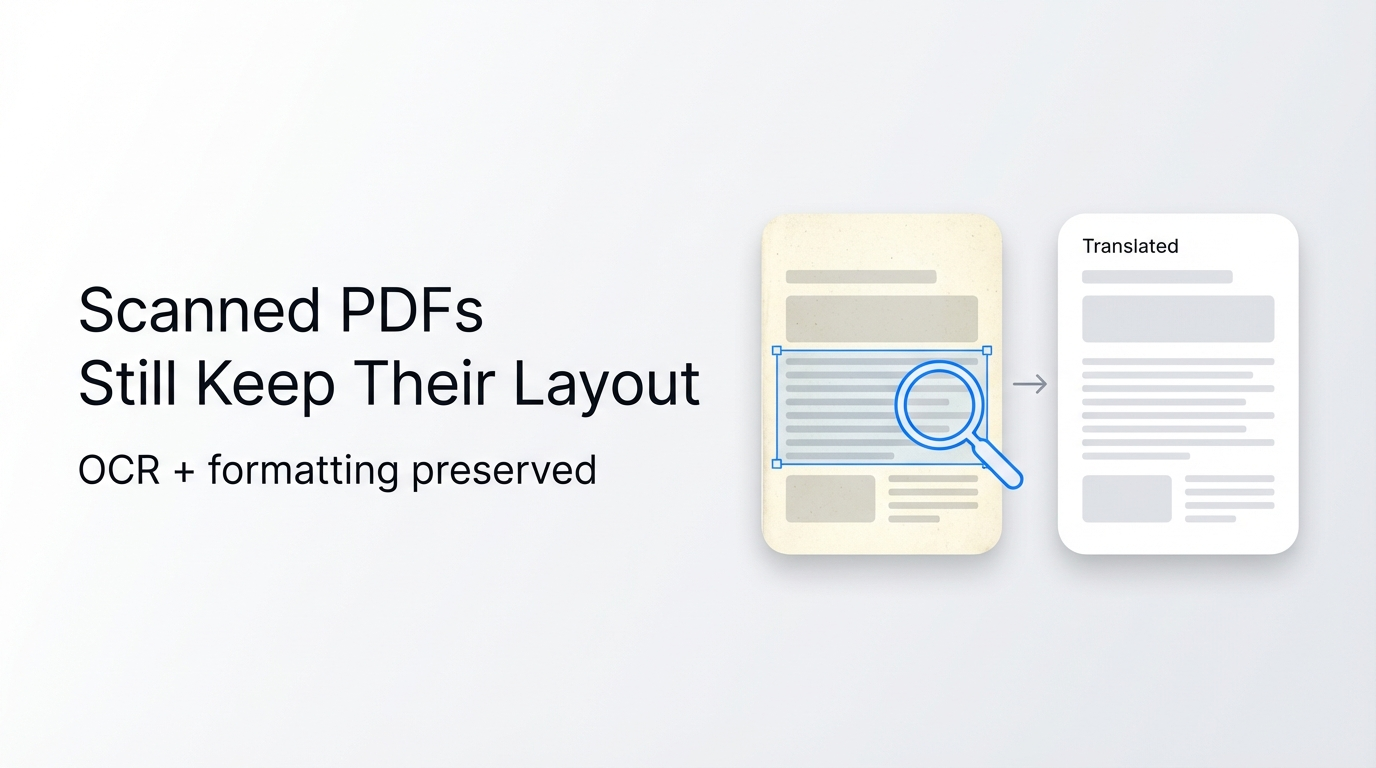
Yes, Reflo has a built-in OCR (Optical Character Recognition) engine that converts scanned images into editable text while preserving the original background and layout, achieving an accuracy rate of over 98% for clear scans.
Can Reflo handle PDF files with embedded complex formulas?
Absolutely. Reflo uses advanced structure recognition to treat formulas as isolated objects or convert them into LaTeX code, ensuring that mathematical expressions and scientific symbols remain unaltered and correctly positioned in the translated document.
Is there a limit to the file size I can translate?
Reflo supports file uploads up to 500MB per document for standard users, which comfortably covers large technical manuals and architectural blueprints. Enterprise users can request higher limits for batch processing needs.
How does Reflo compare to free online translation tools?
While free tools often provide rough translations that destroy formatting (requiring hours of manual repair), Reflo focuses on "Translation-Ready" output. It prioritizes maintaining the document's visual integrity, making it the preferred choice for professional and business use where presentation matters.
Does Reflo comply with 2026 AI content regulations?
Yes. Reflo adheres to the latest 2026 regulations regarding AI-generated content, including options for adding traceable digital watermarks and ensuring data processing complies with GDPR and regional data security laws.