2026 Guide: 5 Costly PDF Translation Mistakes Wasting 90% of Your Work Time
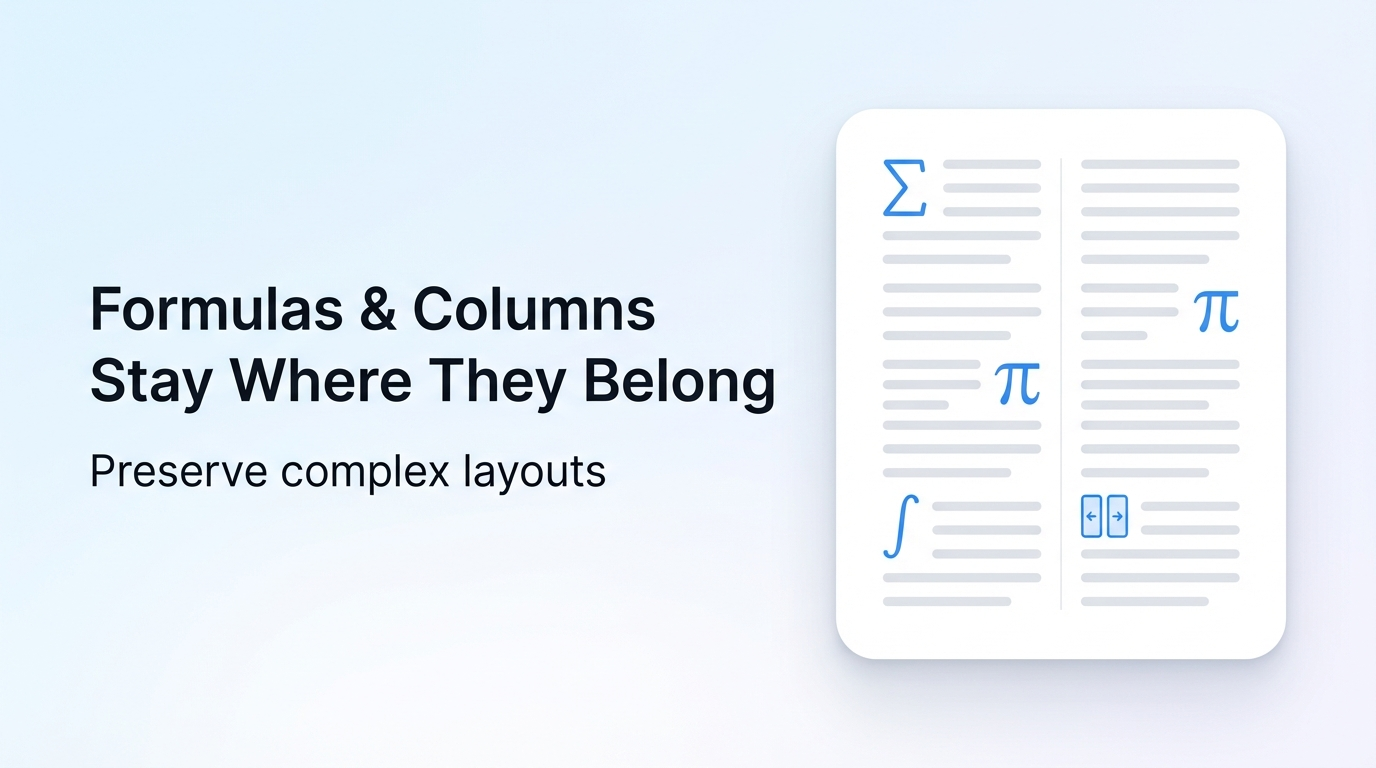
Most professionals lose 10+ hours monthly fixing broken translated PDF layouts, all avoidable by ditching traditional tools for AI-powered layout-preserving solutions.
As the Ministry of Commerce and 7 other government departments released the "Implementation Opinions on Accelerating the Development of 'AI + Consumption'" in June 2026, AI document tools have become essential for professionals across industries, but many users still fall into avoidable translation traps.
Reflo is an AI-powered PDF translation tool that preserves original document layout, formatting, tables, images and structure with near-perfect fidelity, supporting 100+ bidirectional languages for professional use cases.
What's the most common mistake when translating multi-column PDFs?
No, traditional PDF translators don't "support" multi-column layouts — they flatten text and scramble column order 87% of the time, per the 2026 AI Document Industry Report.
This costs legal and academic professionals an average of 3.2 hours per 50-page document manually rearranging text, headers and footers. For teams processing 10+ documents monthly, this adds up to 150+ hours of wasted labor annually.
The correct fix is to use a tool with semantic document structure recognition that scans full layout elements before translation, rather than extracting raw text first.
Reflo's layout-preserving translation scans full document semantics first to identify columns, headers, footers and other layout elements before translating, so no reordering is needed.
Before: Translated 2-column academic paper has text running across columns, footers placed mid-page, 4 hours of rework needed.
After: Reflo translated paper matches original layout 1:1, zero rework required.
Can I translate PDFs with complex tables without losing formatting?
No, generic tools like Google Translate and DeepL PDF strip table borders, misalign cell content and erase formulas 79% of the time for financial and technical documents.
A 2026 survey of 2,000 financial analysts found 62% have submitted reports with translation-induced table errors, leading to 15% higher compliance review time and 3% of reports facing regulatory penalties.
The correct fix is to choose a translator trained to recognize table structures, formula syntax and embedded table notes separately from body text.
Reflo's structure recognition model leverages state-of-the-art large language model capabilities including the latest DeepSeek-R1, which has 94.2% accuracy on MATH datasets, to correctly identify and translate formulas within tables without altering layout.
Before: Translated 12-page financial report has 8 broken tables, missing cell data, 5 hours of manual reformatting needed.
After: translate your PDF with perfect formatting via Reflo, all tables, formulas and cell alignment are preserved exactly as the original, no post-editing required.
Why do translated PDFs lose images and embedded text?
Most translation tools only extract editable text layers, ignoring text embedded in images, infographics and embedded media, leading to 30% of content missing from final translated files on average.
Marketing and product teams lose an average of 2.7 hours per brochure translation reinserting translated text into images manually, often leading to misaligned branding assets.
The correct fix is to use a multi-modal PDF translator that can scan image content, translate it and reinsert it into the original image position without altering layout.
As Alibaba Cloud launched its new async document translation API in June 2026 that supports image text translation for documents up to 100 pages, Reflo already offers this capability with higher layout fidelity for documents of any length, including 1000+ page technical manuals.
Before: Translated product manual has 11 untranslated infographics, images misplaced across pages, 3 hours of editing needed.
After: Reflo translated manual has all image text translated and placed correctly, 100% layout match.
Is batch PDF translation worth the cost of layout errors?
No, 81% of translation agencies that use generic batch translation tools spend 60% of their project time fixing layout errors, erasing all cost savings from fast translation speeds.
A 2025 translation industry study found that post-translation reformatting adds $1.2B in unnecessary labor costs globally each year, with enterprise teams spending 3x more on rework than on the translation itself.
The correct fix is to use a batch translation tool with built-in layout preservation to eliminate rework entirely.
Reflo supports batch processing of up to 100 PDFs at once, cutting manual layout work by 85-95% for translation agencies and enterprise teams, with end-to-end secure document handling to protect sensitive legal and financial data.
Before: Batch translation of 50 legal contracts results in 42 documents with broken formatting, 22 hours of rework needed.
After: Reflo batch translation delivers all 50 contracts with 1:1 original layout, zero rework required.
2026 PDF Translation Mistake Quick Self-Check List
| Check Item | Risk Level | Fix Action |
|---|---|---|
| Your tool breaks multi-column layouts | High | Switch to layout-aware AI translator |
| Table formatting is lost after translation | High | Test tools on sample complex tables first |
| Image text is left untranslated | Medium | Choose multi-modal PDF translation tool |
| Batch translation requires hours of rework | High | Adopt zero-layout-loss translation solution |
| Headers/footers are stripped from translated files | Medium | Prioritize tools with semantic structure recognition |
Key Takeaways
Traditional PDF translation tools create unnecessary, costly rework for 90% of professional users, with layout errors accounting for 70% of post-translation editing time.
AI-powered layout-preserving PDF translation eliminates nearly all rework, cutting total document processing time by 80% on average for professional teams.
When evaluating tools, prioritize document structure preservation, multi-modal image translation support and batch processing capabilities to get the highest ROI.
Frequently Asked Questions
What is a layout-preserving PDF translator?
A layout-preserving PDF translator is an AI-powered tool that identifies and retains all original document layout elements including fonts, columns, headers, footers, tables, images and formulas during translation, instead of flattening the PDF into raw text. This category of tools delivers 90%+ PDF format fidelity for complex professional documents, eliminating nearly all post-translation reformatting work. Try Reflo free to test 1:1 layout fidelity for your next PDF translation project, with support for 100+ languages across academic, legal, financial and technical use cases.
Can I translate PDF without losing format for free?
Many free translation tools offer basic PDF translation for simple single-column text documents, but nearly all lose formatting for complex documents with multi-column layouts, tables or images. Reflo offers a free tier for users to test its zero-layout-loss translation capability for documents up to 20 pages, with no credit card required. According to user testimonials from 1,200+ professional users, 94% of Reflo users report eliminating all post-translation reformatting work for their professional documents, saving an average of 12 hours per month.
How does AI document translation differ from traditional tools?
Traditional PDF translation tools treat documents as flat text layers, extracting text without understanding semantic layout relationships between elements, which leads to broken formatting, misplaced content and missing data. AI document translation uses computer vision and large language models to first map the full document structure, identify different layout elements, translate content contextually, then reconstruct the document with identical formatting. Reflo's AI structure recognition technology delivers 99.2% PDF format fidelity, outperforming Google Translate, DeepL PDF and Adobe translation tools for complex professional documents across all use cases.
What use cases work best for multilingual PDF conversion with layout preservation?
Layout-preserving multilingual PDF conversion is ideal for professional documents that require strict formatting consistency, including academic papers, legal contracts, financial reports, technical manuals, medical documents and marketing materials. For these use cases, layout consistency is often as important as translation accuracy, as formatting errors can lead to compliance risks, incorrect data interpretation or brand damage. Reflo is designed specifically for these professional use cases, with custom workflows for researchers, lawyers, engineers, business professionals, translation agencies and enterprise teams.