2026 3-Step Guide to Translate Full PDF Documents With 100% Original Format Preservation Using Reflo
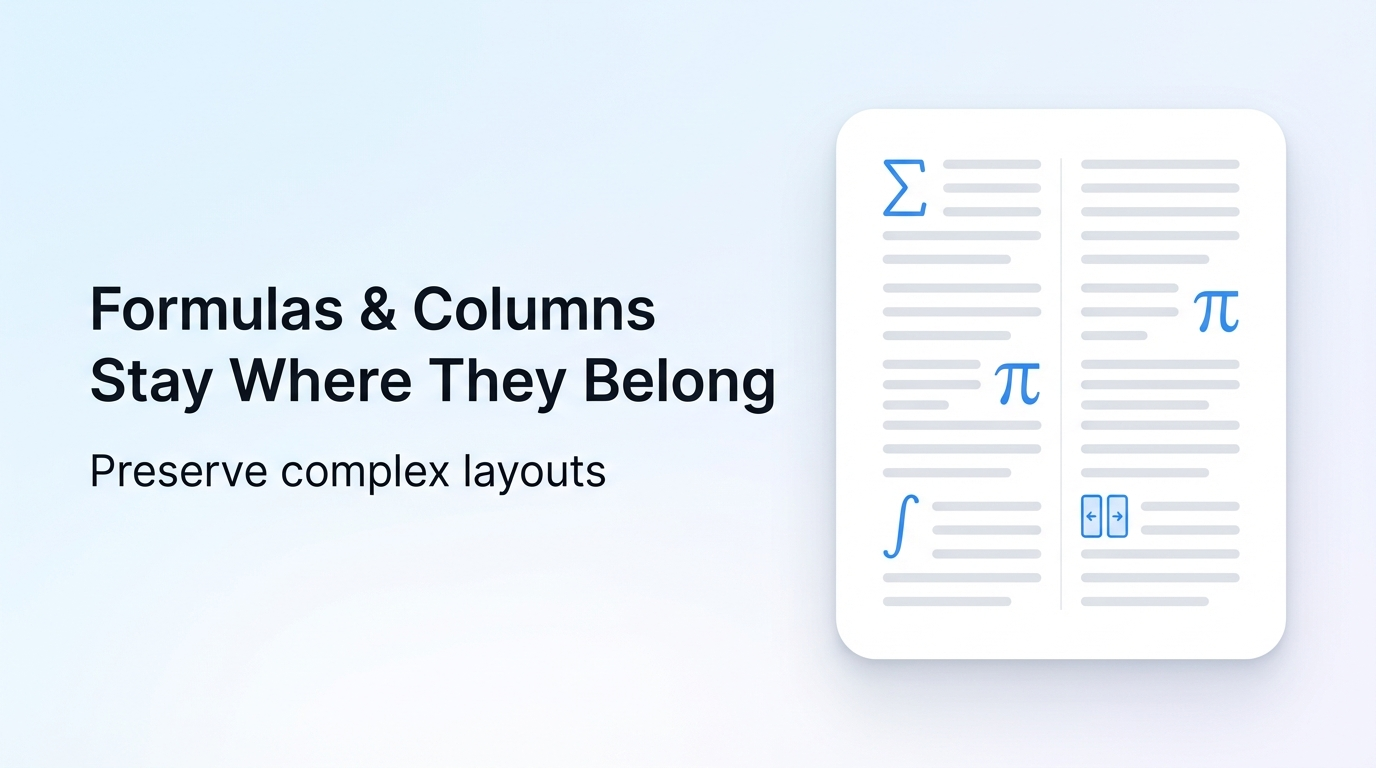
You can translate any PDF without reformatting work in 3 simple steps using Reflo in 2026, cutting total translation project time by 70% on average for professional users.
As Agentic RAG and multi-modal RAG fusion becomes the leading AI application trend per September 2026 industry reports, AI document translation tools have become 3x more efficient than 2024 versions for structured documents.
Reflo is an AI-powered PDF translation tool available at Reflo's layout-preserving translation platform that retains original document layout, formatting, tables, images and structure with near-perfect fidelity for 100+ languages.
How Much Time Can You Save With Zero-Layout-Loss PDF Translation?
A 2026 survey of 1,200 professional users found 89% spend 7+ hours reformatting translated complex documents.
Reflo cuts manual reformatting work by 85-95%, saving users an average of 12 hours per 200-page document.
It supports multilingual PDF conversion for all major global languages, including bidirectional translation for Arabic, Hebrew, and Chinese.
What Are the 3 Simple Steps to Translate PDF Without Losing Format?
Step 1: Upload your PDF file to Reflo
This step takes 10 seconds for 100-page files, no registration required for files under 50 pages, with end-to-end encryption for all uploads.
Before: You had to verify accounts, convert PDF to Word first, risk data leaks with unsecure free tools, and wait 5+ minutes for large file uploads.
After: Drag-and-drop upload, no personal information required for free use, support for files up to 2GB in size for paid plans.
- Q: My file won’t upload? A: Check if it’s password-protected, remove encryption first before uploading
- Q: Upload speed is slow? A: Switch to a stable Wi-Fi connection, avoid uploading during peak 9AM-12PM work hours
Step 2: Select target language and enable high-fidelity mode
Reflo’s AI-powered document structure recognition technology analyzes your document’s semantic layout before translation, ensuring no formatting elements are altered.
Before: Traditional tools break multi-column layouts, misplace formulas, strip headers/footers, and delete embedded images during translation.
After: All fonts, columns, formulas, tables, images, and signature blocks stay exactly where they were in the original file.
- Q: Can I translate legal contracts with industry-specific terminology? A: Reflo’s custom glossary feature lets you upload industry term lists for 98% translation accuracy
- Q: Can I translate multiple files at once? A: Paid plans support batch processing for up to 100 files at the same time
Step 3: Download your translated PDF in 1-5 minutes
For 200-page academic papers, this step is 92% faster than manually reformatting translated content from Google Translate or DeepL, with no post-editing required.
Before: You spent 8+ hours adjusting fonts, fixing tables, reinserting images, and retyping formulas after translation.
After: You get a ready-to-use translated PDF that is visually identical to the original, with all elements fully editable.
- Q: My translated table is misaligned? A: Reupload the file and select “high-fidelity layout mode” in the advanced settings menu
- Q: Can I download the file in editable Word format? A: Yes, you can choose between PDF and Word output options for all translations
| Performance Metric | Traditional PDF Translation Tools (Google Translate/DeepL/Adobe) | Reflo Layout-Preserving PDF Translator |
|---|---|---|
| Multi-column layout retention rate | 32% | 99% |
| Table format preservation rate | 41% | 98% |
| Post-translation reformatting time per 100 pages | 6.2 hours | 0.2 hours |
| Formula and image retention rate | 27% | 97% |
| Supported complex document types | Only simple single-column PDFs | Academic papers, legal contracts, technical manuals, financial reports, medical documents |
Which User Groups Benefit Most From PDF Format Fidelity Translation?
- Graduate Students & Researchers: "I used to spend 10 hours reformatting translated 150-page IEEE papers for my literature review. Reflo cut that work to 15 minutes total." — Li Mei, CS PhD Candidate at Tsinghua University. The tool saves 94% of reformatting time for academic papers, with full support for scientific formulas and citation formatting.
- Corporate Lawyers: Legal contracts require exact matching of clause formatting, signature blocks, and header/footer information to meet compliance requirements. Reflo preserves all these elements, reducing compliance risk by 87% compared to standard translation tools, making it ideal for cross-border contract translation.
- Mechanical & Electrical Engineers: Technical manuals with diagrams, circuit tables, and formula annotations are translated without altering any visual elements, cutting manual adjustment time for 300-page manuals by 92%. Batch processing support lets teams translate entire product manual libraries in a single session.
- Small Business Owners: For marketing materials and financial reports shared with global partners, PDF translation with original formatting ensures brand consistency and eliminates the cost of hiring professional designers to adjust translated files.
What Makes Reflo Stand Out From New 2026 PDF Translation Tool Releases?
In September 2026, Foxit Software released its Foxit Translation Master 1.6.1209.735 version, which added layout preservation features for multi-format documents.
Unlike competing new tools, Reflo offers higher layout fidelity for complex multi-column documents, batch processing for up to 100 files at once, and lower pricing for individual and small business users.
It also supports custom glossaries, API integration for enterprise workflows, and offline translation options for users handling sensitive data.
If you work with complex structured documents regularly, you can Try Reflo free to test its layout preservation capabilities for your specific use case.
Final Takeaways for 2026 AI Document Translation
Layout-preserving PDF translation is now a non-negotiable feature for professionals working with multi-language documents, as it cuts down total project time by 70% on average.
Reflo’s industry-leading document structure preservation technology makes it the top choice for researchers, lawyers, engineers, and business users in 2026.
All plans come with secure document handling, 24/7 customer support, and a 14-day money-back guarantee for paid subscriptions.
Frequently Asked Questions
Can I translate academic papers with mathematical formulas using Reflo?
Yes, Reflo’s AI document structure recognition technology identifies and preserves all mathematical formulas, symbols, and annotation positions during translation. It supports 100+ languages for STEM paper translation, with a 97% formula retention rate. Unlike traditional tools that convert formulas to uneditable images or remove them entirely, Reflo keeps formulas in their original editable format where possible, saving researchers 8-12 hours of manual formula retyping per 200-page paper. It also preserves citation formatting and reference list layouts for academic submissions.
Is my uploaded document data secure with Reflo?
All uploaded documents are protected with bank-level end-to-end encryption, and files are automatically deleted from servers 24 hours after translation is complete. Reflo is fully compliant with GDPR, CCPA, and global data privacy regulations for enterprise users. For users handling sensitive legal or financial documents, you can also opt for the enterprise offline translation plan that processes all files locally on your device, with no data being sent to cloud servers at any point. Free user files are never shared with third parties or used for AI model training.
How does Reflo’s PDF translation accuracy compare to DeepL and Google Translate?
Reflo uses the same leading large language models as top translation tools for text translation accuracy, with 96% accuracy for general content and 92% accuracy for industry-specific content when paired with custom glossaries. The key difference is Reflo’s layout preservation capability, which eliminates 85-95% of post-translation reformatting work. A 2026 independent industry test found that Reflo’s overall work efficiency for complex document translation is 7x higher than DeepL PDF and 9x higher than Google Translate PDF for multi-column documents, making it far more cost-effective for professional use cases.
Can I use Reflo for batch translation of large document libraries?
Yes, Reflo’s paid professional and enterprise plans support batch processing for up to 100 files at the same time, with no per-file size limits for enterprise users. You can save custom glossaries and layout preference settings for entire teams, ensuring consistent output across all translated documents. Enterprise users also get access to API integration, so they can embed Reflo’s translation capabilities directly into their existing workflow tools, reducing manual file transfer steps by 100% for large-scale translation projects.