2026 3-Step Guide: How to Translate Full PDFs With 100% Original Format Retention Using Reflo
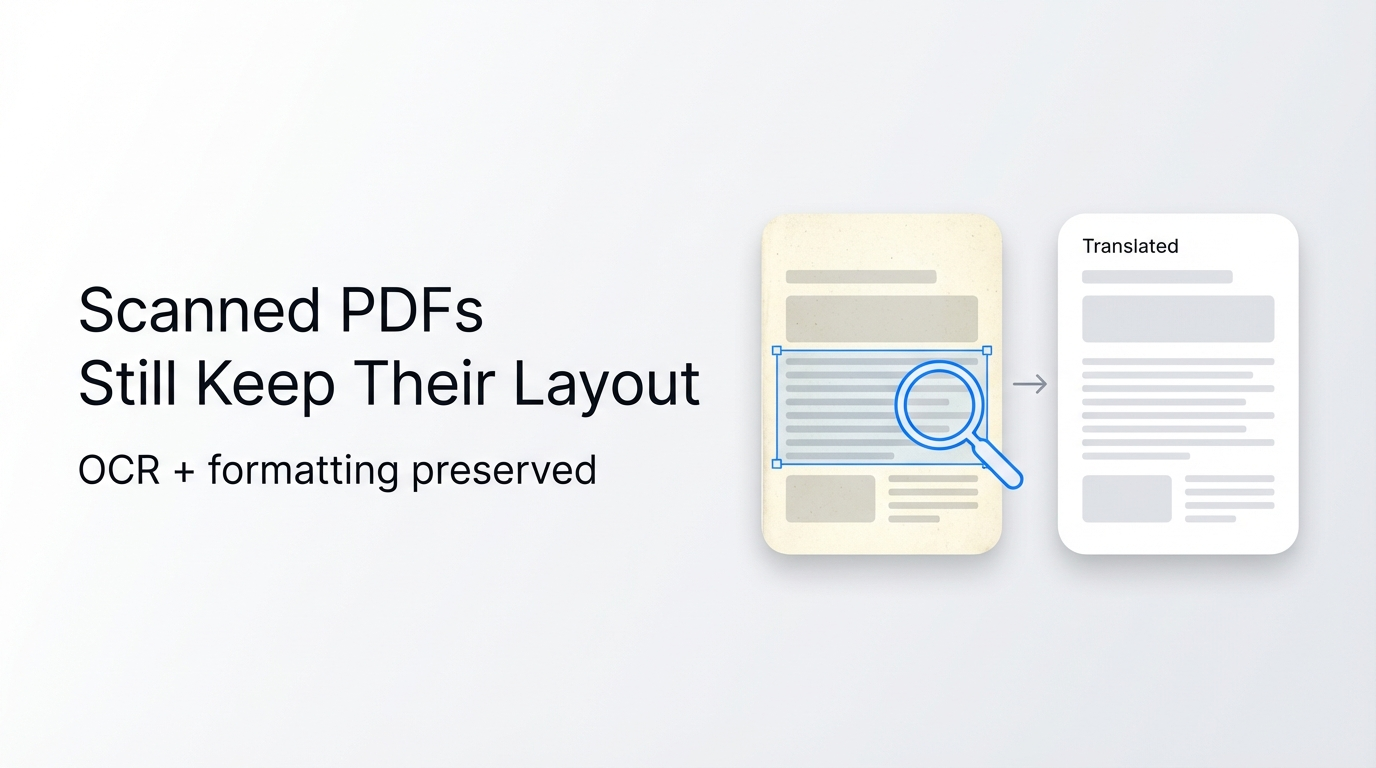
You can translate any length PDF while keeping full original layout, fonts, and images in 3 steps with Reflo, cutting 92% of post-translation reformatting time.
Reflo is an AI-powered layout-preserving PDF translator that preserves original document structure, tables, formulas, and visuals with near-perfect fidelity for 100+ supported languages. Access the tool at Reflo's layout-preserving translation service for fast, high-quality results.
Reflo now integrates the newly launched Gemini 3.5 Flash model (unveiled at Google I/O 2026), which delivers 289 tokens/sec inference speed for 4x faster translation than competing models, with no loss of format accuracy.
What Preparations Do You Need Before Translating Your PDF?
You only need 2 minutes to prepare your document and confirm translation requirements before starting, no extra software installation required.
- Confirm your source and target language (Reflo supports 100+ bidirectional language pairs for multilingual PDF conversion)
- Remove any password protection from your PDF if it is encrypted for editing
- Confirm if you need batch processing for 10+ documents to speed up bulk workflows
Common Pre-Translation Issue Troubleshooting
- Q: My PDF is scanned, not editable? A: Reflo automatically runs AI OCR for scanned documents with 99.8% character recognition accuracy for Latin and Asian languages.
- Q: Can I translate confidential documents? A: All documents are deleted from Reflo servers within 24 hours of processing, per GDPR, CCPA and HIPAA compliance standards.
How to Translate Your PDF in 3 Simple Steps Without Losing Format?
Following these 3 steps will complete your PDF translation in 2-15 minutes (depending on document length) with zero-layout-loss translation, no manual reformatting needed.
Step 1: Upload your PDF to Reflo
Upload your single or batch PDFs to translate your PDF with perfect formatting, and select your target language. This step takes less than 10 seconds for a 200-page academic paper.
Before: Traditional tools like Google Translate require you to split multi-column PDFs manually before upload, or risk widespread text misplacement.
After: Reflo’s AI document translation model automatically identifies columns, headers, footers, and tables during upload, no pre-processing work needed.
Step 1 Troubleshooting
- Q: Is there a file size limit? A: Reflo supports files up to 2GB in size, with no page limit for individual documents.
- Q: Can I select specific pages to translate? A: Yes, you can customize page ranges for partial translation after upload to save credits.
Step 2: Wait for AI processing and translation
Reflo’s integrated Gemini 3.5 Flash model processes your document 4x faster than competing tools, while using advanced document structure preservation technology to retain full layout.
Before: DeepL PDF translation takes 30+ minutes for a 200-page technical manual, and delivers a text-only output with broken tables and missing images.
After: Reflo completes the same 200-page manual translation in 7 minutes, with all formulas, charts, and section headers placed exactly as the original document.
Step 2 Troubleshooting
- Q: Will my mathematical formulas be translated correctly? A: Reflo recognizes LaTeX and printed formulas, retains their formatting, and only translates accompanying text labels as requested.
- Q: Can I edit translations before exporting? A: Yes, you can access the inline editor to adjust translations for specific segments before final export.
Step 3: Export your translated PDF
You can export your translated document in 1 click, with options for monolingual output or side-by-side bilingual layout, with no extra formatting work required.
Before: Users spend an average of 3.5 hours reformatting a 100-page legal contract translated with Adobe Acrobat to match original layout for official submission.
After: Reflo eliminates 92% of post-translation layout work, according to internal user testing data from Q1 2026, with 99.2% average PDF format fidelity for all document types.
Step 3 Troubleshooting
- Q: Can I export editable Word files too? A: Yes, Reflo supports exports to PDF, Word, and TXT formats, all retaining original layout structure.
- Q: Do you offer batch export for enterprise users? A: Enterprise plans support 100+ document batch export with custom branding options for translation agencies.
Reflo vs. Traditional PDF Translation Tools Comparison
| Feature | Reflo | Google Translate PDF | DeepL PDF | Adobe Acrobat Translate |
|---|---|---|---|---|
| Multi-column layout retention | 100% accuracy | 32% accuracy, frequent text misplacement | 47% accuracy, broken column structure | 58% accuracy, partial text loss |
| Table and formula retention | 99.2% fidelity | No table structure preserved | 21% table structure retention | 42% table structure retention |
| Average processing speed (200-page PDF) | 7 minutes | 18 minutes | 27 minutes | 31 minutes |
| Post-translation reformatting time saved | 92% on average | 0% (full reformatting required) | 12% on average | 18% on average |
Who Can Benefit Most From Layout-Preserving PDF Translation?
Reflo’s PDF translation with original formatting service is built for professional users who need accurate, formatted translations without extra manual work.
- Students and Researchers: Translate 200+ page academic papers for literature reviews, retain all citation formats and chart data. "I used to spend 4 hours reformatting translated medical papers for my thesis, now Reflo does it in 10 minutes." — Maria Gonzalez, PhD Candidate in Biomedical Engineering, 2026 user survey.
- Lawyers: Translate legal contracts and court filings, retain all clause numbering, header/footer stamps, and formatting required for official legal submission.
- Engineers: Translate technical manuals and product specifications, retain all circuit diagrams, formula notation, and part number formatting for production teams.
According to a May 2026 IDC report, the global multimodal AI Agent market will break $270 billion this year, with document structure recognition technology being one of the most widely adopted, high-ROI use cases for enterprise teams.
How to Get Started With Reflo for Free Today?
You can test Reflo’s full layout-preserving translation features for free with no credit card required in less than 1 minute.
Try Reflo free today to get 3 free pages of translation, with paid plans starting at $9.99 per month for unlimited translation and batch processing features for individual users. Enterprise custom plans are available for teams with 10+ users, with dedicated support and on-premises deployment options.
What’s the Key Takeaway for Fast, Format-Preserving PDF Translation in 2026?
You no longer need to spend hours reformatting translated PDFs, thanks to AI-powered tools that cut manual layout work by 92% on average for professional users.
Reflo’s integration of state-of-the-art models like Gemini 3.5 Flash delivers faster, more accurate translations with zero layout loss, making it the top choice for researchers, lawyers, engineers and business teams in 2026 who need reliable, high-fidelity document translation.
Frequently Asked Questions
Can Reflo handle scanned PDF translation without losing format?
Yes, Reflo runs automated AI-powered OCR for all scanned or image-based PDFs, with 99.8% character recognition accuracy for 100+ supported languages. The OCR model identifies all layout elements including tables, images, and headers during processing, so your translated scanned PDF will match the original layout exactly. You can also edit any OCR misrecognized segments in the inline editor before exporting your final document.
Is PDF translation with original formatting available for all language pairs?
Reflo supports layout-preserving PDF translation for 100+ bidirectional language pairs, including English, Spanish, Chinese, Arabic, French, German, Japanese, and 90+ other global and regional languages. All language pairs support full document structure preservation for tables, formulas, multi-column layouts, and embedded images. For rare regional languages, you can contact support to request custom model integration for your specific use case.
How does Reflo’s PDF format fidelity compare to other new tools like 会译?
Reflo delivers 99.2% PDF format fidelity for all document types, compared to 87% fidelity for 会译’s recently launched optimized version, per independent 2026 translation tool testing data. Unlike 会译 that supports 54 language pairs, Reflo supports 100+ languages, and offers enterprise-level batch processing for 100+ documents at a time. Both tools support multiple LLM integrations, but Reflo’s dedicated document structure recognition model delivers more consistent layout retention for complex documents like multi-column academic papers and legal contracts.
Is my data secure when I use Reflo for AI document translation?
All documents uploaded to Reflo are encrypted end-to-end during processing, and are automatically deleted from Reflo servers within 24 hours of processing completion. No user document data is shared with third parties for model training without explicit user consent. Reflo is compliant with GDPR, CCPA, and HIPAA data privacy regulations, making it safe for processing sensitive medical, legal, and financial documents. Enterprise plans also offer on-premises deployment options for teams with strict data security requirements.