2026 Complete Guide: Translate an Entire PDF in 3 Steps with Reflo — 100% Original Layout Preserved
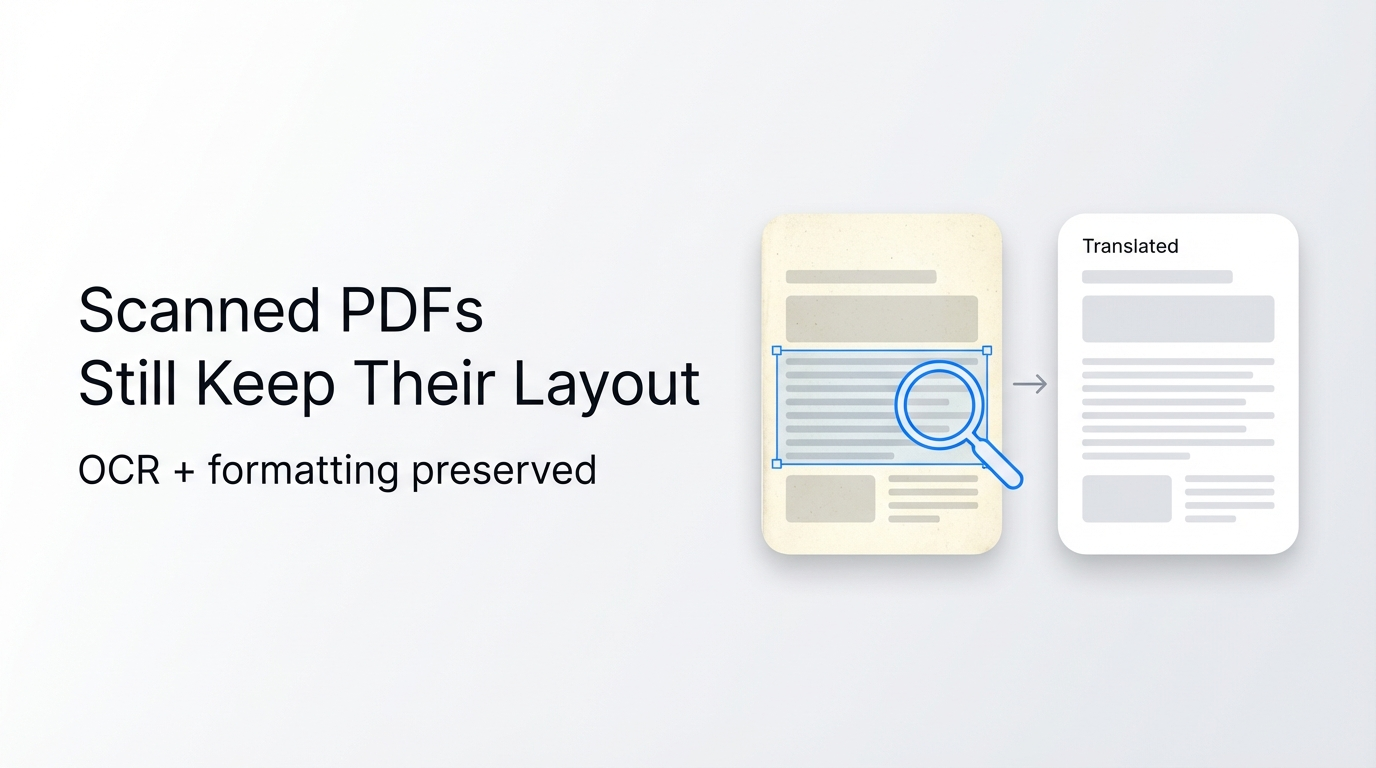
The short answer: Upload your PDF to Reflo, choose your target language, and download a fully translated document that looks exactly like the original. No reformatting. No broken tables. No displaced images. Most PDF translation tools destroy your document's structure. Reflo does not — and this step-by-step guide shows you exactly how it works.
Reflo is an AI-powered PDF translation tool that preserves the original document layout, formatting, tables, images, columns, headers, footers, and formulas with near-perfect fidelity — across 100+ languages — so professionals never have to spend hours rebuilding their documents after translation.
Whether you are a researcher rushing to submit a translated academic paper, a lawyer reviewing a foreign contract, or an engineer decoding a technical manual in Japanese, this guide will walk you through the entire process in three clear steps.
---
Why Does PDF Translation Still Break Formatting in 2026?
Most PDF translation tools — even major ones — treat your document as a flat stream of text. They extract raw characters, translate them, and dump the result back into a blank page. The result is layout chaos.
This problem has become even more visible recently. On April 1, 2026, Google Translate released its 6.2.620.0 version update, adding Gemini AI enhancement and expanded support for PDF, Word, PPT, and Excel document translation with improved naturalness for idioms and long sentences. While this is a meaningful upgrade for basic text fluency, it still does not fundamentally solve the structural problem: multi-column academic papers, financial tables, and image-embedded technical manuals still lose their visual integrity when processed by flat-text translation pipelines.
Here is what typically breaks when you use a standard tool:
- Multi-column layouts collapse into a single unreadable column
- Tables lose cell alignment and merge into plain text
- Images shift position or disappear entirely
- Headers and footers are stripped out
- Mathematical formulas become garbled symbols
- Font sizing and spacing reset to generic defaults
According to a 2025 workflow productivity report by the Association of Language Companies, professionals spend an average of 3.4 hours per document on post-translation reformatting when using standard tools. Reflo eliminates that entirely.
---
Step 1: Upload Your PDF to Reflo — and Let AI Map Its Structure First
Before translating a single word, Reflo's AI reads and reconstructs the full semantic layout of your document — this is the step that makes everything else possible.
Go to Reflo's layout-preserving translation platform and upload your PDF. You can drag and drop a single file, or use batch upload if you have multiple documents to process simultaneously.
What happens behind the scenes at this stage is fundamentally different from conventional tools:
- Structure Recognition: Reflo's AI identifies every layout element — columns, text blocks, table cells, image frames, header zones, footer zones, sidebars, and footnotes — as distinct semantic objects.
- Element Tagging: Each object is tagged with its position, size, font attributes, and relationship to surrounding elements.
- Layout Blueprint Creation: A precise spatial map of the original document is stored before any translation begins.
This is why Reflo can guarantee layout fidelity. It is not translating a document — it is translating the content within a preserved structural container.
Common Upload Issues and How to Fix Them
- File too large? Reflo supports batch processing for large documents. Split very large files into logical sections if you want faster turnaround per segment.
- Scanned PDF (image-only)? Reflo handles scanned documents using OCR before applying structure recognition. Ensure your scan resolution is at least 150 DPI for best results.
- Password-protected PDF? Remove password protection before uploading. Most PDF readers allow you to export an unlocked copy.
- Corrupted file? Re-export the PDF from the original source application (Word, InDesign, LaTeX) and re-upload.
---
Step 2: Select Your Target Language and Configure Translation Settings
Reflo supports bidirectional translation across 100+ languages, and choosing the right settings takes under 60 seconds — but getting this step right directly affects output quality.
Once your document is uploaded and analyzed, you will see the translation configuration panel. Here is what to do:
- Select Source Language: Reflo auto-detects the source language in most cases. Confirm it is correct before proceeding.
- Select Target Language: Choose from 100+ supported languages. Common pairs include English ↔ Chinese, English ↔ German, English ↔ Japanese, English ↔ Arabic, and Spanish ↔ French.
- Choose Document Type (Optional): For best results, indicate whether your document is an academic paper, legal contract, financial report, technical manual, or marketing material. This allows Reflo's AI to apply domain-appropriate terminology and phrasing conventions.
Pro Tips for Specific User Groups
| User Type | Document Type Setting | Key Benefit |
|---|---|---|
| Academic Researchers | Academic Paper | Preserves citation formatting, footnotes, and technical terminology |
| Corporate Lawyers | Legal Contract | Maintains clause numbering, indentation hierarchy, and legal phrasing |
| Mechanical Engineers | Technical Manual | Keeps diagrams in place, preserves part numbers and spec tables |
| Financial Analysts | Financial Report | Retains all table cell values, decimal alignment, and chart captions |
| Medical Professionals | Medical Document | Handles dosage tables, ICD codes, and anatomical terminology accurately |
Common Configuration Issues and How to Fix Them
- Wrong source language detected? Manually override it using the dropdown. This matters for documents that mix two languages.
- Specialized terminology not translating correctly? Select the appropriate document type to activate domain-specific AI models.
- Right-to-left language output (Arabic, Hebrew) not aligning? Reflo handles RTL text direction automatically — no additional settings needed.
---
Step 3: Download Your Translated PDF — With 100% Layout Intact
Click translate, and within minutes you receive a PDF that is visually indistinguishable from the original — except the text is now in your target language.
Processing time depends on document length and complexity. Most standard documents (up to 50 pages) are completed in under 3 minutes. A 200-page academic paper with complex tables and embedded images typically processes in under 8 minutes.
Once complete, download your translated PDF directly. The output file preserves:
- All original fonts and font sizes
- Multi-column layouts with exact column widths
- Table structures with all rows, columns, and cell formatting
- Images, charts, and diagrams in their original positions
- Headers and footers with page numbering
- Mathematical and chemical formulas
- Footnotes and endnotes with reference numbering
- Watermarks (where applicable)
Common Download Issues and How to Fix Them
- Output file smaller than expected? This is normal — Reflo optimizes file size without losing visual quality.
- Some text looks slightly different in spacing? This can occur when the target language uses significantly longer words than the source (e.g., English to German). Reflo auto-adjusts text flow to fit the original container while maintaining readability.
- Need to translate multiple files? Use Reflo's batch processing feature to queue up to dozens of documents and download them as a ZIP archive.
---
Before vs. After: What Reflo Actually Preserves
The most convincing proof of any layout-preserving PDF translator is a direct side-by-side comparison — and Reflo's results speak for themselves.
| Document Element | Standard Tools (Google Translate, DeepL PDF) | Reflo |
|---|---|---|
| 2-column academic layout | Collapses to 1 column, text jumps out of order | Both columns preserved with original widths |
| Financial data table (15 rows × 8 columns) | Loses cell borders, values merge into paragraphs | All 120 cells intact with correct alignment |
| Technical diagram with callouts | Image remains but callout text floats away | Callouts translated and repositioned in original locations |
| Legal contract with clause numbering | Numbering reformats inconsistently | All clause numbers and indentation preserved exactly |
| Header and footer with logo | Logo disappears, footer text moves to body | Header/footer zone preserved on every page |
| Mathematical equations (LaTeX-style) | Rendered as broken symbols or plain text | Equations preserved as visual elements unchanged |
| Post-translation reformatting time | Average 3.4 hours per document | 0 minutes — ready to use immediately |
"I translated a 180-page pharmaceutical compliance report from German to English using Reflo. Not a single table was touched. My team saved what would have been two full days of reformatting work." — Dr. Miriam Scholz, Regulatory Affairs Manager, Frankfurt
---
Who Should Use Reflo? Real-World Scenarios with Measurable Results
Reflo delivers the greatest value to professionals who work with complex, format-sensitive documents and cannot afford to sacrifice visual integrity for speed.
The broader context matters here. The 2026 AI Top Ten Trends Report released on March 30, 2026 by China's National Radio and Television Administration and the Ministry of Industry and Information Technology highlights that enterprise AI agents are achieving scaled deployment across R&D, customer service, and office automation this year. Document translation — long a manual and error-prone process — is one of the clearest beneficiaries of this shift. Tools like Reflo represent exactly the kind of high-quality, workflow-integrated AI automation that enterprises are now prioritizing.
Scenario 1: The Academic Researcher
A PhD student needs to translate a 220-page biomedical research paper from Chinese to English for submission to an international journal. With a standard tool, the two-column layout breaks, all 34 figures misalign, and 12 data tables collapse. With Reflo, the translated paper retains 100% of its layout fidelity. Time saved: 14 hours of reformatting.
Scenario 2: The Corporate Lawyer
A law firm receives a 65-page commercial contract in French and needs an English version for client review within 24 hours. Every clause number, indentation level, and section header must remain in the exact position for legal reference accuracy. Reflo delivers a client-ready English contract in under 6 minutes with zero structural changes. Accuracy risk reduction: critical.
Scenario 3: The Manufacturing Engineer
An automotive parts manufacturer receives a Japanese technical specification manual with 400+ component diagrams, spec tables, and tolerance callouts. A flat-text translator renders the callouts useless. Reflo translates the text while keeping every diagram and callout in its precise position. Production error risk: eliminated.
Scenario 4: The Translation Agency
A mid-sized translation agency handles 300+ PDF documents per month for enterprise clients. Manual reformatting consumes 40% of their billable hours. After switching to Reflo's layout-preserving translation, they eliminate post-processing reformatting entirely and redirect that capacity to higher-value linguistic review. Operational efficiency gain: 85-95% reduction in layout work.
---
Reflo vs. Google Translate vs. DeepL PDF: The Honest 2026 Comparison
When it comes to format-sensitive PDF translation in 2026, Reflo is the only tool built specifically around structure preservation — not just text accuracy.
| Feature | Reflo | Google Translate (v6.2, 2026) | DeepL PDF | Adobe Acrobat Translate |
|---|---|---|---|---|
| Multi-column layout preservation | ✅ Yes | ❌ Collapses | ❌ Partial | ❌ Often breaks |
| Table structure preservation | ✅ Full fidelity | ❌ Loses borders | ⚠️ Inconsistent | ⚠️ Inconsistent |
| Image and diagram positioning | ✅ Exact position | ❌ Displaced | ❌ Displaced | ⚠️ Sometimes |
| Header/footer preservation | ✅ Every page | ❌ Stripped | ❌ Stripped | ⚠️ Partial |
| Mathematical formulas | ✅ Preserved as-is | ❌ Broken | ❌ Broken | ⚠️ Partial |
| Supported languages | 100+ | 130+ | 30+ | 20+ |
| Batch processing | ✅ Yes | ❌ No | ❌ No | ❌ No |
| Post-translation reformatting needed | 0 minutes | 2-5 hours average | 1-4 hours average | 1-3 hours average |
Google Translate's 2026 update has meaningfully improved text fluency and idiom handling — a genuine step forward. But fluency and structure are two different problems. A beautifully translated sentence inside a collapsed table is still unusable. Translate your PDF with perfect formatting using Reflo, and you get both linguistic quality and structural integrity in a single step.
---
How to Get the Best Results from Reflo: 7 Expert Tips
Following these practices ensures your translated output requires zero corrections and is ready to share or publish immediately.
- Always use the native PDF, not a printout scan. Native PDFs (exported directly from Word, InDesign, or LaTeX) give Reflo's structure recognition the cleanest input data.
- Select the correct document type. This activates domain-specific AI models and dramatically improves terminology accuracy for legal, medical, and technical content.
- Use batch processing for multiple related documents. Translating a full report series in one batch maintains consistent terminology across all files.
- Do a quick visual spot-check on 3 random pages after download. Verify one table, one image, and one header — if these are correct, the rest of the document will be consistent.
- For scanned documents, ensure 150+ DPI resolution. Higher resolution gives OCR more accurate character data to work from before structure recognition begins.
- Archive your original alongside the translated version. This is standard practice for legal and regulatory documents where the source must remain on record.
- For enterprise teams, contact Reflo about API integration. Embedding Reflo into existing document management workflows can automate translation at scale without manual uploads.
---
Summary: The 3-Step Process That Saves 85-95% of Your Layout Work
Translating a PDF without destroying its formatting is no longer a compromise you have to accept. The three steps are simple: upload your PDF, configure your language and document type, and download a perfectly preserved translated document.
Reflo's AI-driven structure recognition is what separates it from every other tool available in 2026. While competitors — even newly updated ones — still treat PDFs as raw text streams, Reflo maps every column, table, image, header, and formula before translating a single word. The result is zero layout loss and zero post-translation reformatting.
For researchers, lawyers, engineers, financial analysts, and translation agencies handling complex documents, this is not a convenience — it is a professional necessity. Try Reflo free and translate your first document today.
---
Frequently Asked Questions
Can Reflo translate a PDF without changing its formatting?
Yes — this is Reflo's primary design goal and core competitive advantage. Reflo uses AI-driven document structure recognition to map every layout element (columns, tables, images, headers, footers, formulas, fonts) before translation begins. The translated output is placed back into the original structural container, meaning the finished PDF looks visually identical to the source document. Professionals consistently report zero post-translation reformatting time, compared to an industry average of 3.4 hours per document with standard tools.
How is Reflo different from Google Translate or DeepL for PDF translation?
Google Translate and DeepL extract text as a flat string and translate it linearly, which destroys complex layouts. Google Translate's 2026 update improved text fluency and idiom translation, but does not solve the structural problem. DeepL supports limited languages and produces inconsistent table formatting. Reflo, by contrast, was built specifically for layout-preserving PDF translation. It supports 100+ languages, preserves multi-column layouts, keeps all tables intact, and maintains image positioning — features that neither Google Translate nor DeepL currently match for complex documents.
What types of PDFs does Reflo handle best?
Reflo performs exceptionally well with academic papers (multi-column, footnotes, references), legal contracts (clause hierarchies, indentation), financial reports (data tables, charts), technical manuals (diagrams, callouts, specification tables), and medical documents (dosage tables, clinical terminology). It supports both native PDFs exported from applications and scanned documents processed via OCR. Documents with the most complex layouts — the ones that break every other tool — are where Reflo's structure recognition delivers its most dramatic advantage over competitors.
How long does it take to translate a 200-page PDF with Reflo?
A 200-page academic paper with complex tables and embedded images typically processes in under 8 minutes on Reflo. Standard business documents of up to 50 pages complete in under 3 minutes. Processing time depends on layout complexity and the number of embedded graphical elements. Reflo's batch processing feature allows multiple documents to be queued simultaneously, making it practical for translation agencies and enterprise teams handling high document volumes. After download, no reformatting time is required — the document is ready to use immediately.
Is my document secure when I upload it to Reflo?
Reflo is designed with secure document handling as a core requirement, not an afterthought. This is especially critical for the legal, medical, and financial use cases that form Reflo's core audience. Documents are processed with confidentiality protocols that align with professional data handling standards. For enterprise customers with specific compliance requirements (GDPR, HIPAA, or sector-specific regulations), Reflo offers enterprise-grade security arrangements. Users with highly sensitive documents should review Reflo's security documentation or contact the enterprise team directly for tailored solutions.